Whether you run a small business website, a blog, or an online shop, having a contact forms for WordPress is essential. It provides the easiest way for customers to reach out via your website, whether they have a question, need support, or just want to say hello. If you're using WordPress, you have plenty of options for contact form plugins—but choosing the right one can feel overwhelming.
No need to worry—I’m here to guide you through the best contact form plugins for WordPress, making it simple for you to find the perfect fit for your site.
Table of Contents
- Introduction: Why You Need a Contact Form Plugin
- WPForms
- Contact Form 7
- Ninja Forms
- Formidable Forms
- Gravity Forms
- Forminator
- HappyForms
- Conclusion
Introduction: Why You Need a Contact Form Plugin
A contact form is a vital part of any website, acting as the bridge between you and your visitors. Whether you're running a business, a blog, or an online store, having an easy and effective way for people to get in touch with you is essential.
Without a contact form, visitors may leave your site without reaching out, leading to missed opportunities for inquiries, feedback, or potential sales. This is where a WordPress contact form plugin comes in. It streamlines communication, making it simple for users to send messages, ask questions, or request information, all while keeping your inbox organised and secure. By using a contact form plugin, you can customise the form to meet your needs, capture necessary information, and ensure smooth, hassle-free communication with your audience—without requiring any technical expertise. It's a must-have tool for enhancing user experience and maintaining strong relationships with your website visitors.
Some of the most used plugins are as follows:
WPForms
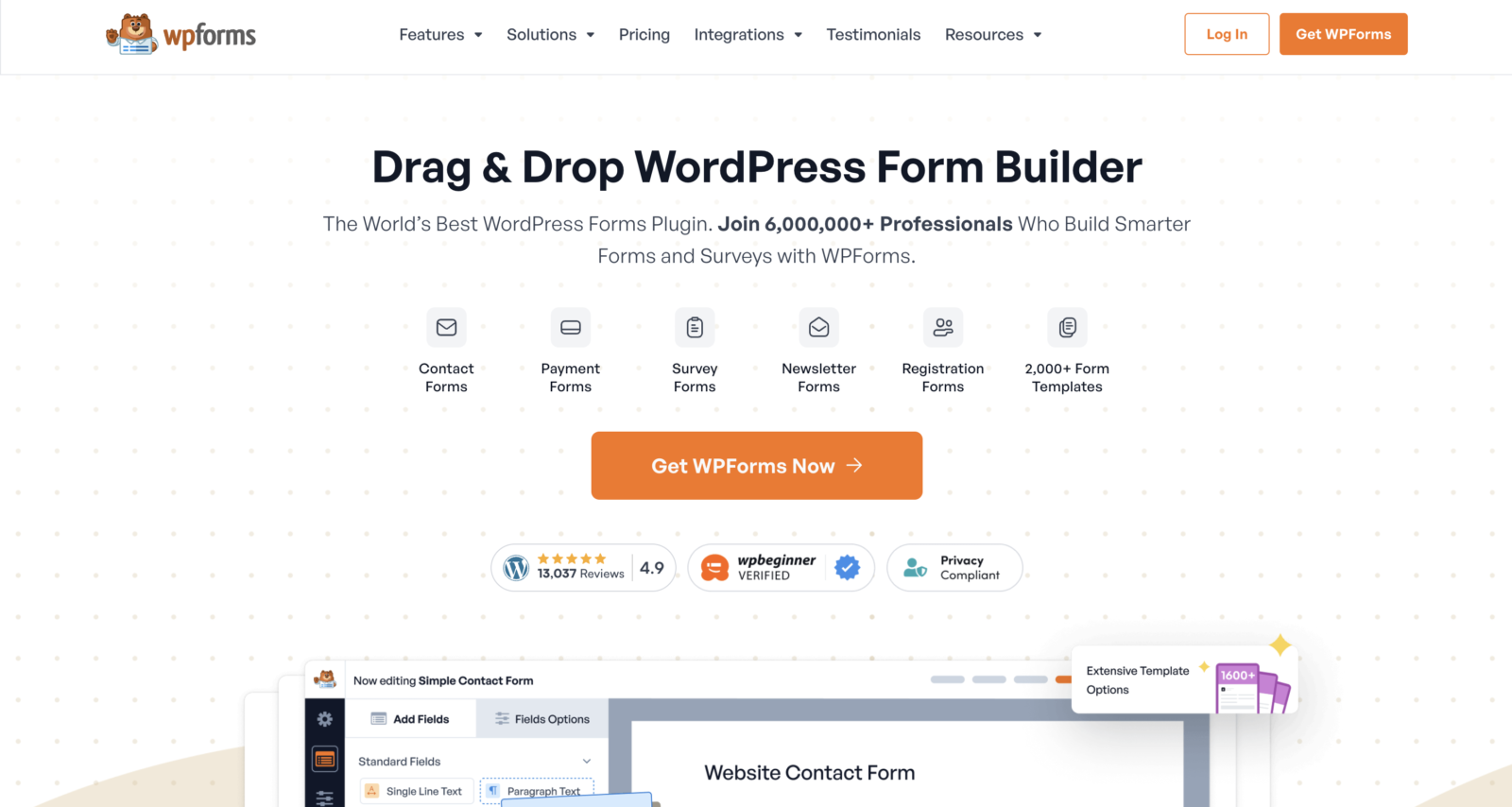
When it comes to WordPress contact form plugins, WPForms is probably one of the easiest to use, especially if you’re new to WordPress. It’s got a simple drag-and-drop interface, which means you can build your form without having to touch a single line of code.
WPForms has a free version (WPForms Lite) that covers all the basics—things like name, email, and message fields. If you need more advanced features, like file uploads, payment integrations, or conditional logic, there’s a paid version available. But for most small sites, the free version will do just fine.
Why It’s Great:
- Simple drag-and-drop builder
- Built-in spam protection
- Responsive, mobile-friendly forms
- Great for beginners
Perfect for: Those who want an easy, no-fuss contact form for WordPress.
Contact Form 7
Contact Form 7 is one of the most popular free contact form plugins for WordPress, and it’s been around for years. It’s completely free, lightweight, and offers plenty of flexibility. You can create basic forms and customise them with a bit of HTML and CSS knowledge.
The downside? The interface is a bit old-fashioned and not quite as user-friendly as some of the other WordPress contact form plugins on this list. But if you’re comfortable tinkering with code, you’ll find Contact Form 7 does the job well.
Why It’s Great:
- Completely free
- Lightweight and customisable
- Works with Akismet for spam protection
Perfect for: Web developers who don’t mind getting their hands dirty with a bit of coding.

Ninja Forms
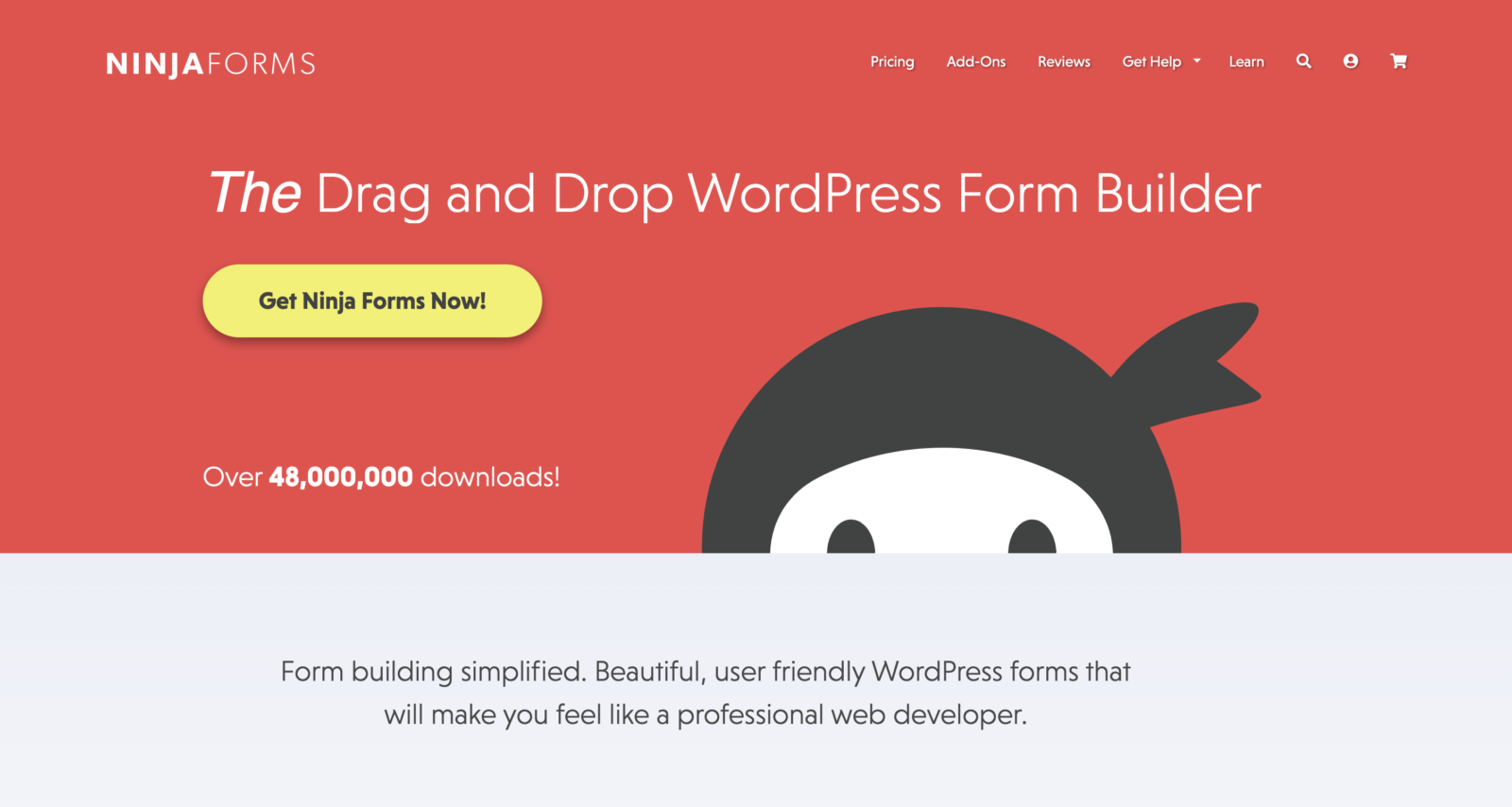
Another user-friendly contact form for WordPress is Ninja Forms. It’s a free WordPress contact form plugin that offers a drag-and-drop form builder, much like WPForms. The free version lets you create unlimited forms, but you’ll need to pay if you want to add advanced features like email marketing integrations, file uploads, or multi-part forms.
One thing Ninja Forms does well is styling—it’s easy to customise the look and feel of your form so it matches your website’s design. You don’t need any coding skills for that, which is always a bonus.
Why It’s Great:
- Intuitive drag-and-drop builder
- Easy to customise form styles
- Add-ons for advanced features
Perfect for: Those who want a flexible, well-designed WordPress contact form with plenty of options for growth.
Formidable Forms
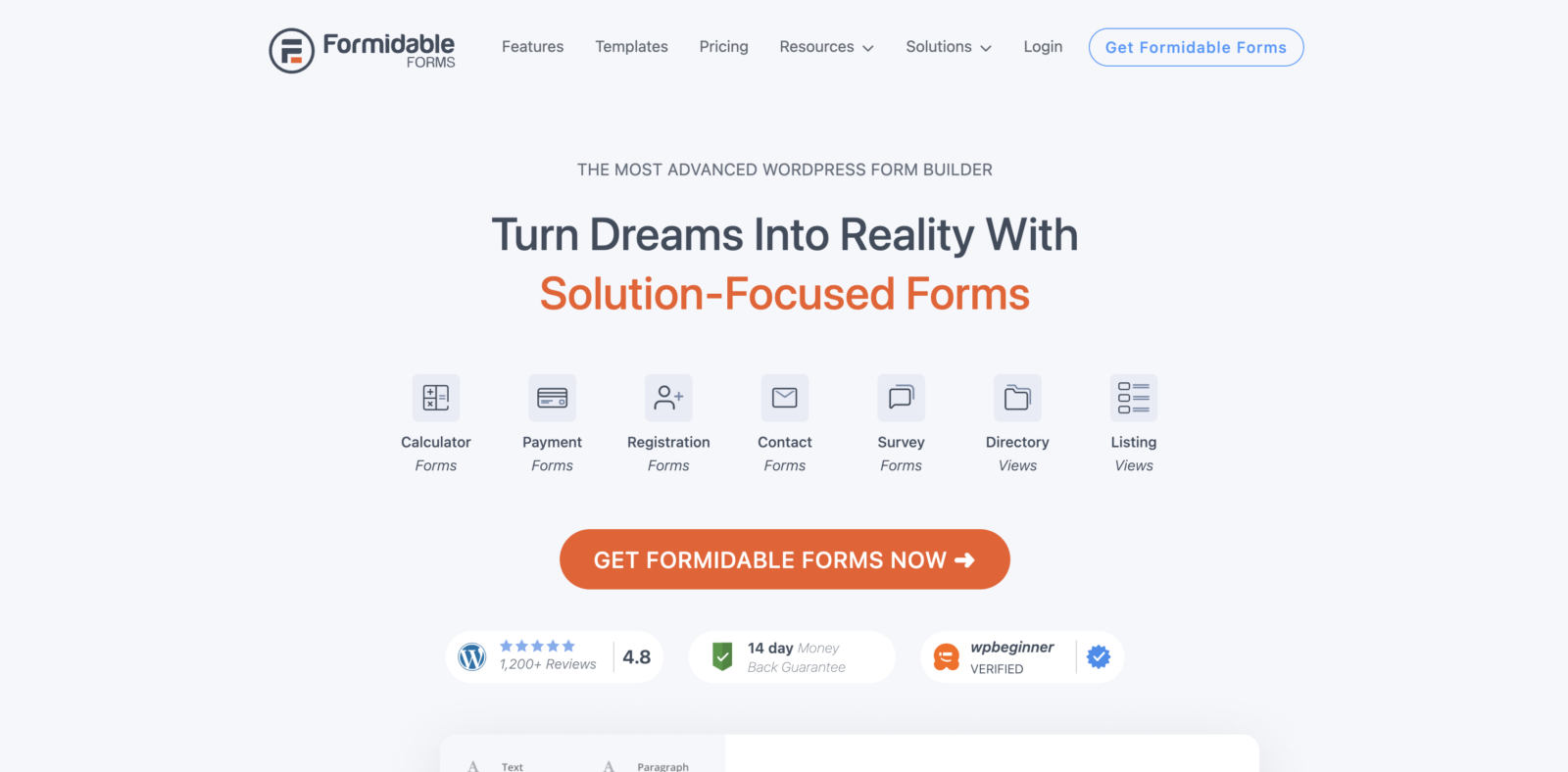
If you’re after something more powerful, Formidable Forms might be the one for you. It’s not just for WordPress contact forms—you can use it to build more complex forms like quizzes, surveys, calculators, and even directories on your WordPress website.
Formidable Forms has a drag-and-drop builder, and while the free version gives you basic form-building tools, the premium version unlocks a whole world of possibilities. You can build advanced forms with conditional logic, create dynamic forms that change based on user input, and integrate with email marketing services.
Why It’s Great:
- Advanced form-building capabilities
- Great for complex forms (quizzes, surveys, etc.)
- Responsive and mobile-friendly
Perfect for: Websites that need more than just a basic for WordPress contact form, like those offering surveys or lead generation forms.
Gravity Forms
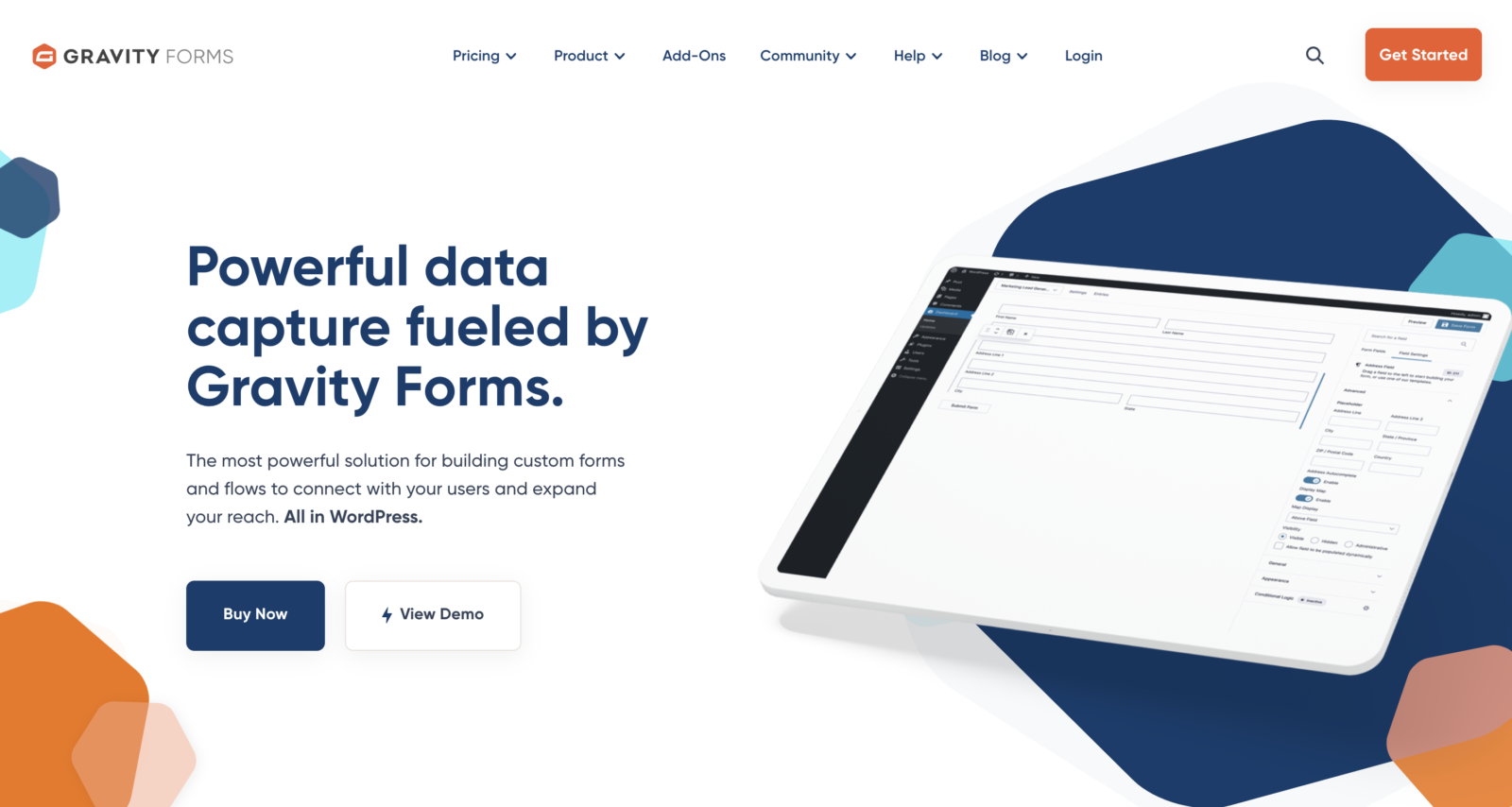
Gravity Forms is one of the most powerful contact form plugins available for WordPress. It’s got every feature you could possibly want—from file uploads and conditional logic to advanced spam protection and multi-step forms. It’s the go-to plugin for WordPress developers who need more control and customisation options.
That said, Gravity Forms isn’t free. There’s no free version, so you’ll need to buy a licence to get started. But if you’re running a large site and need a robust solution, it’s worth the investment.
Why It’s Great:
- Highly customisable and powerful
- Conditional logic and multi-step forms
- Integrates with lots of third-party services (e.g., payment gateways, CRMs)
Perfect for: Large businesses or developers who need a fully-featured form solution.
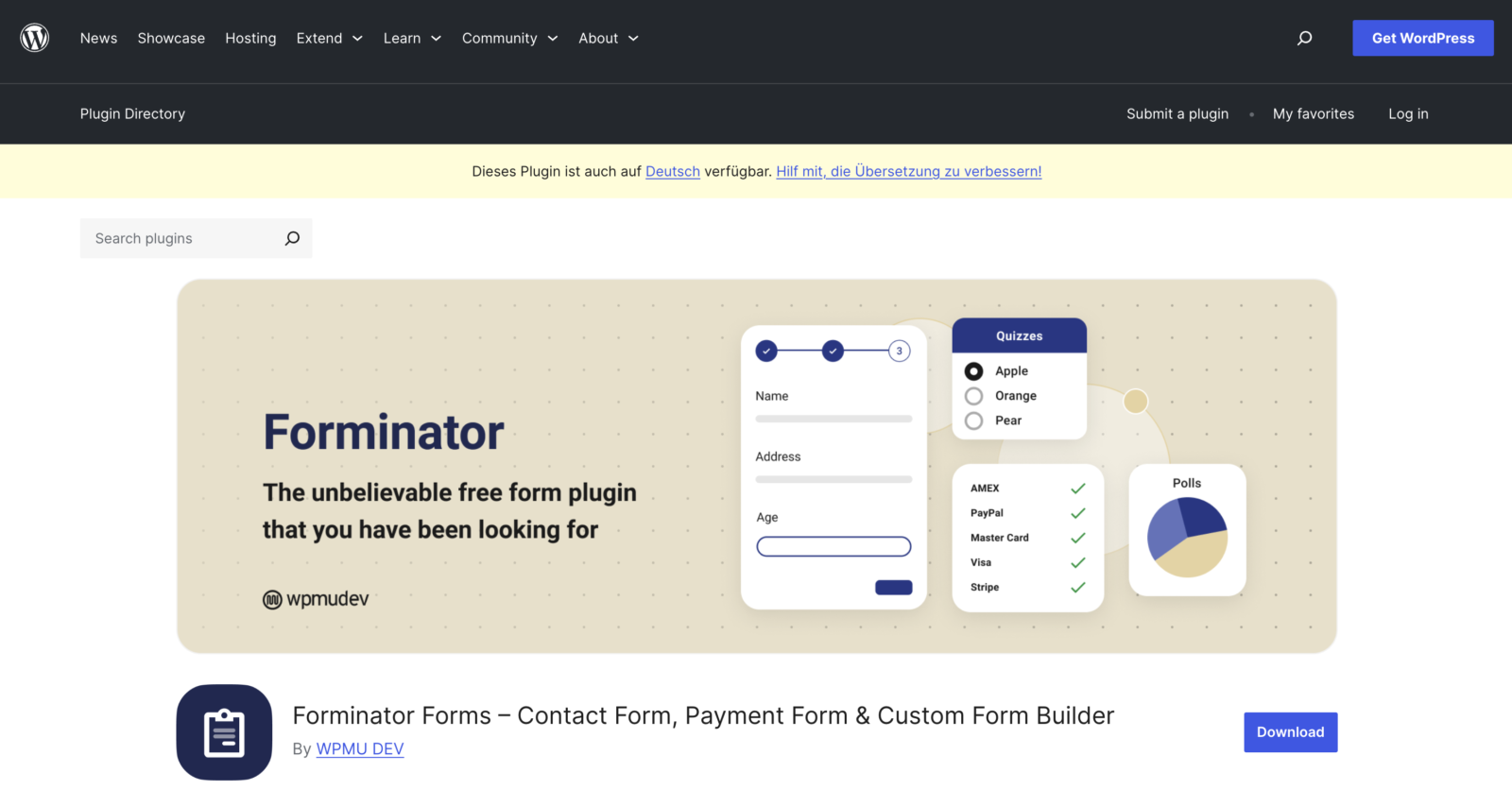
Forminator
Forminator is a relatively new plugin, but it’s quickly gained popularity for its ease of use and built-in features. It offers a drag-and-drop builder for contact forms for for WordPress and also lets you create polls, quizzes, and payment forms.
The best part? The free version is packed with features, including file uploads, multi-step forms, and WordPress integrations with popular email services like Mailchimp. It’s ideal if you want a bit more from your form builder without having to pay for premium add-ons.
Why It’s Great:
- Lots of free features
- Simple to use
- Includes file uploads and multi-step forms for free
Perfect for: Users looking for a feature-rich free plugin with room to expand later.
HappyForms
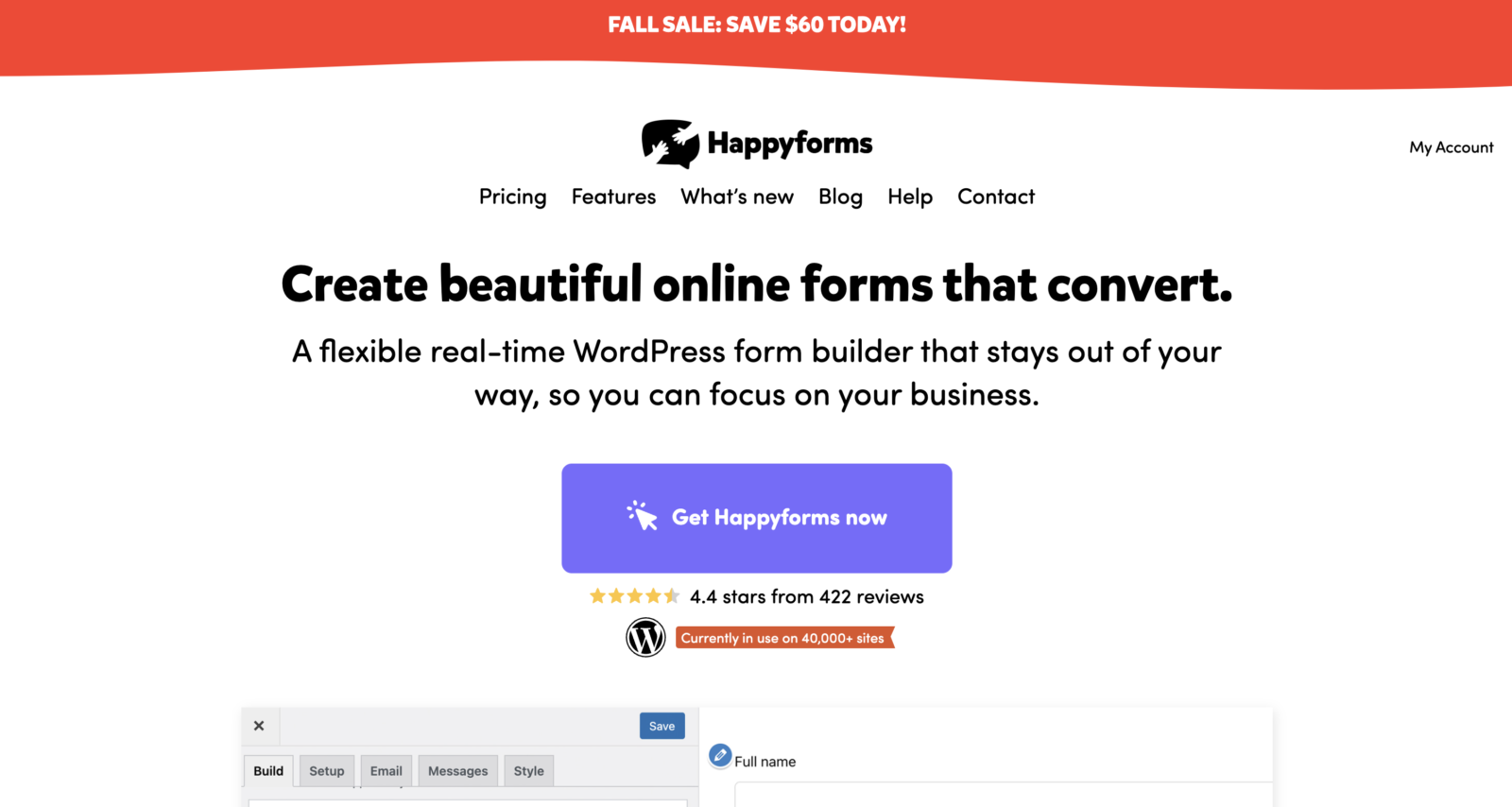
HappyForms is a bit of an underdog in the world of contact form plugins, but it’s a contact forms for WordPress that is well worth a look. It’s free, simple to use, and designed with speed in mind. The plugin doesn’t have a lot of bells and whistles, but it’s perfect if all you need is a quick, lightweight contact form that won’t slow down your site.
One of the key selling points of HappyForms is its focus on user experience. The contact forms for WordPress are easy to build, and they look clean and professional right out of the box, so you won’t spend ages tweaking the design.
Why It’s Great:
- Lightweight and fast
- Easy-to-use builder
- Free with no hidden costs
Perfect for: WordPress websites that want a basic, fast WordPress contact form without any fancy extras.
Contact Forms for WordPress
At the end of the day, the best contact form plugin for your WordPress site depends on your needs. If you want something dead simple, WPForms or HappyForms are good places to start. If you’re after more flexibility and customisation, Ninja Forms and Formidable Forms are worth a look. For those who need advanced functionality and don’t mind paying for it, Gravity Forms is the go-to choice.
Whichever you pick, make sure to test your forms on both desktop and mobile to ensure they’re working smoothly. After all, a good WordPress contact form should be simple to use, fast to load, and easy to customise, so you can keep communication open between you and your visitors.
Now then, time to get cracking!

Categories:
Conversion Rate Optimisation |
Conversion Rate Optimisation
Bespoke WordPress Web Design Vs Templates
When building a WordPress website, you have two main options: use a template from a website like Themeforest or invest in bespoke web design. WordPress Templates are affordable,…
Read More

Conversion Rate Optimisation
Enabling & Disabelling WordPress Debug Mode
WordPress Debug Mode is a feature that logs errors, warnings, and notices that may arise in your WordPress site. While these messages are hidden by default, enabling Debug…
Read More